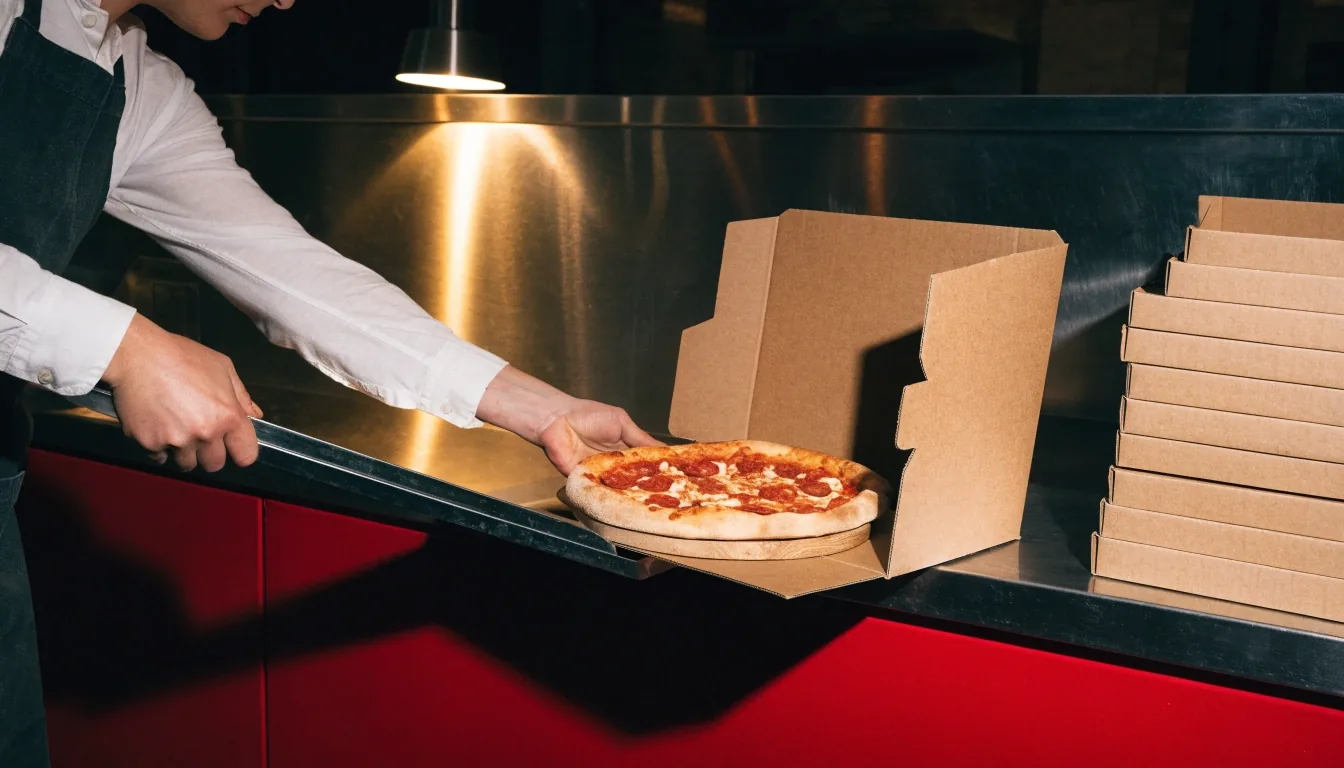

Hands closing a plain pizza box on a steel counter under a single overhead lamp

Ordering · delivery · takeout

Order Papa Gino's Online for Delivery or Takeout

Every order is cooked by one kitchen, so it starts with one store. Choose your location, confirm it is open, then build the order for delivery or takeout.

Ordering is built store by store — pick the location that cooks for you and the menu, hours and delivery options on that page apply.

How ordering works

There is no national cart here, and that is intentional.

This page explains how the process works, what to check before you commit, and how to switch stores if your first choice does not fit the plan. It runs in the same order a real kitchen does: store first, hours second, food third.

Before you start

  • The store you plan to order from, and whether it is open right now.
  • Your delivery address, or a rough plan for picking the food up.
  • A rough head count, since it decides whether a pasta, salad or basket joins the pizza.

Step one: choose your store

Pick the Papa Gino's location nearest you, and the menu, hours and ordering options on that page apply to your order. If you are unsure which store to use, the locations page lists nearby alternatives with distances, so you can compare a couple of options before you start.

Choose the city or neighborhood first

Start broad: which part of New England you are actually ordering from decides the shortlist. Massachusetts, Rhode Island and New Hampshire stores all appear on the locations page.

Compare two stores if you are on the fence

Two locations can differ on hours, delivery coverage and whether they are a shared Papa Gino's and D'Angelo restaurant. Open both pages before you commit.

Open the store page and order there

Once you land on the right store, the menu and the ordering entry live on that page. Ordering from a store you did not pick is the most common reason a cart goes wrong.

A pizzeria kitchen at night with a warm lamp over the pass and snow on the window

Step two: confirm the hours

Check that the store is open before you build an order. Most locations run late morning into the evening, with weekday service often extending to around 9:30pm, but hours vary by store and the location page is the source that counts.

This step takes seconds and prevents the worst outcome: a full cart and a closed kitchen. If the store you picked is already closed for the night, the locations page will point you at a nearby alternative rather than leaving you to guess.

Step three: pick delivery or takeout

Both methods use the same menu. The difference is timing and convenience, so choose based on your evening rather than the food.

Delivery

What to expect once you order

Delivery is built into the ordering flow on store pages, alongside the hours and menu. Availability can differ by location, so confirm on your store page that delivery applies to your address before you build a full cart.

Once you have ordered, the food is prepared fresh and sent out. For pizza and baskets, that travel time is not a problem. For pasta, plan to eat soon after it arrives rather than letting it sit.
Takeout

The faster route

Takeout skips the delivery window and puts you in control of timing. Order ahead, drive over, and pick it up. For a quick weeknight run, this is often the simplest option.

It is also the practical choice when you are already near the store, or when you want the food at its hottest without a delivery trip in between.

Dine-in is still an option

Papa Gino's locations are restaurants, not just pickup counters. Dine-in remains a real choice at many stores, and for a family or a group it can be the easiest way to eat without worrying about travel time.

If you want to sit down, check the store page for hours and head over. The menu is the same one you would order online — pizza, pasta, subs, salads and baskets. A table also solves the one thing delivery and takeout cannot: keeping a large order hot while everyone eats together.

Groups ordering both pizza and pasta often find that dining in removes the travel-time question entirely, which matters most on a weekend evening when a delivery window runs longer.

Ordering from a co-branded store

If your nearest location is a Papa Gino's and D'Angelo unit, the order can include more than pizza. These stores combine the Papa Gino's menu of pizza, pastas and baskets with D'Angelo grilled sandwiches and lobster rolls.

That matters for groups, because one order can cover people who want a slice and people who want a sandwich. Check the store page to see if your location is a shared-format restaurant before you plan the meal around it.

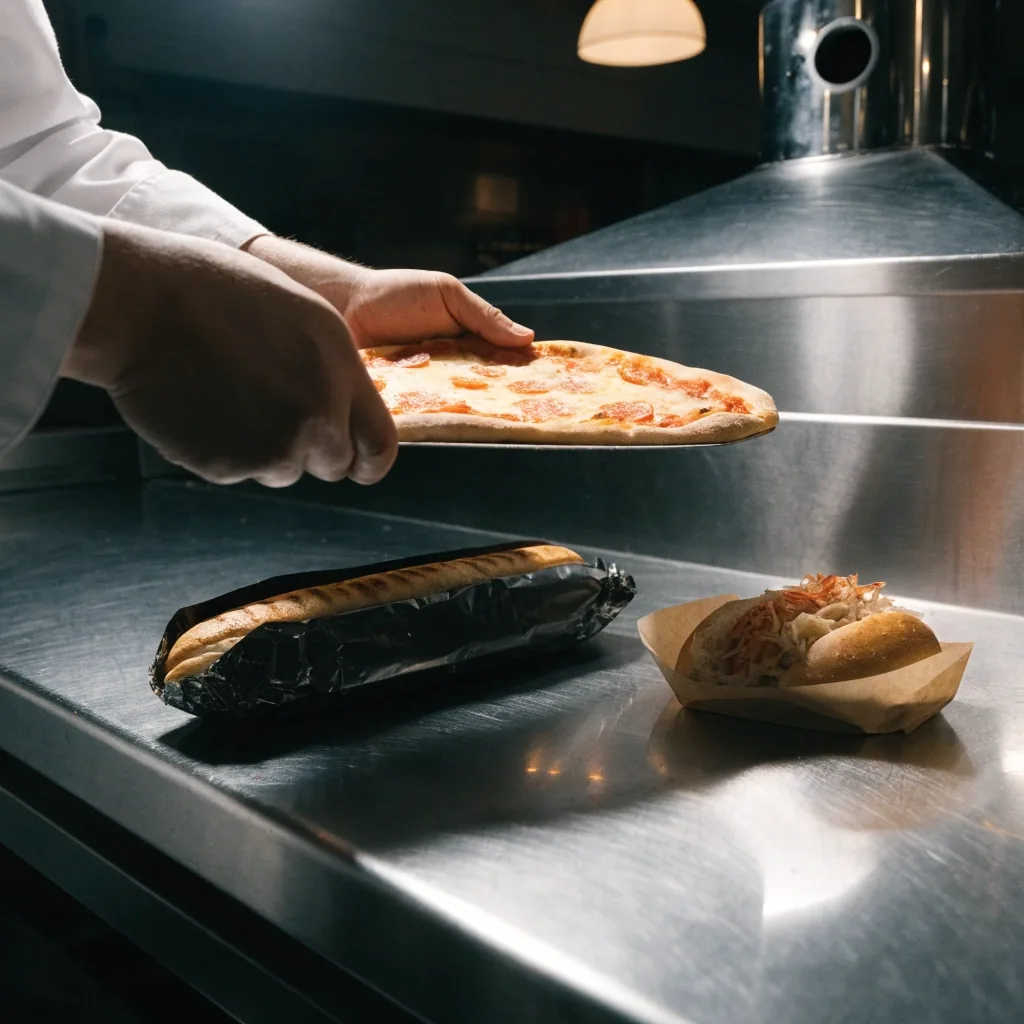
A grilled sandwich and a lobster roll on paper on a steel counter beside a pizza

Shared-format stores put pizza and grilled sandwiches on one ticket, which is usually the answer when the table cannot agree.

If something changes

Switching stores mid-order

If you start an order and realize the store is closed or too far, switch before you finalize.

The locations page lets you pick a different city or store and start again with the correct hours and menu. It is a small detour, and it beats discovering the problem after you have submitted. Confirm the store, confirm the hours, then order.

One thing worth knowing: an order built against the wrong store page will not carry over. Start fresh from the correct location and the menu, pricing and delivery rules on that page will be the ones that apply.

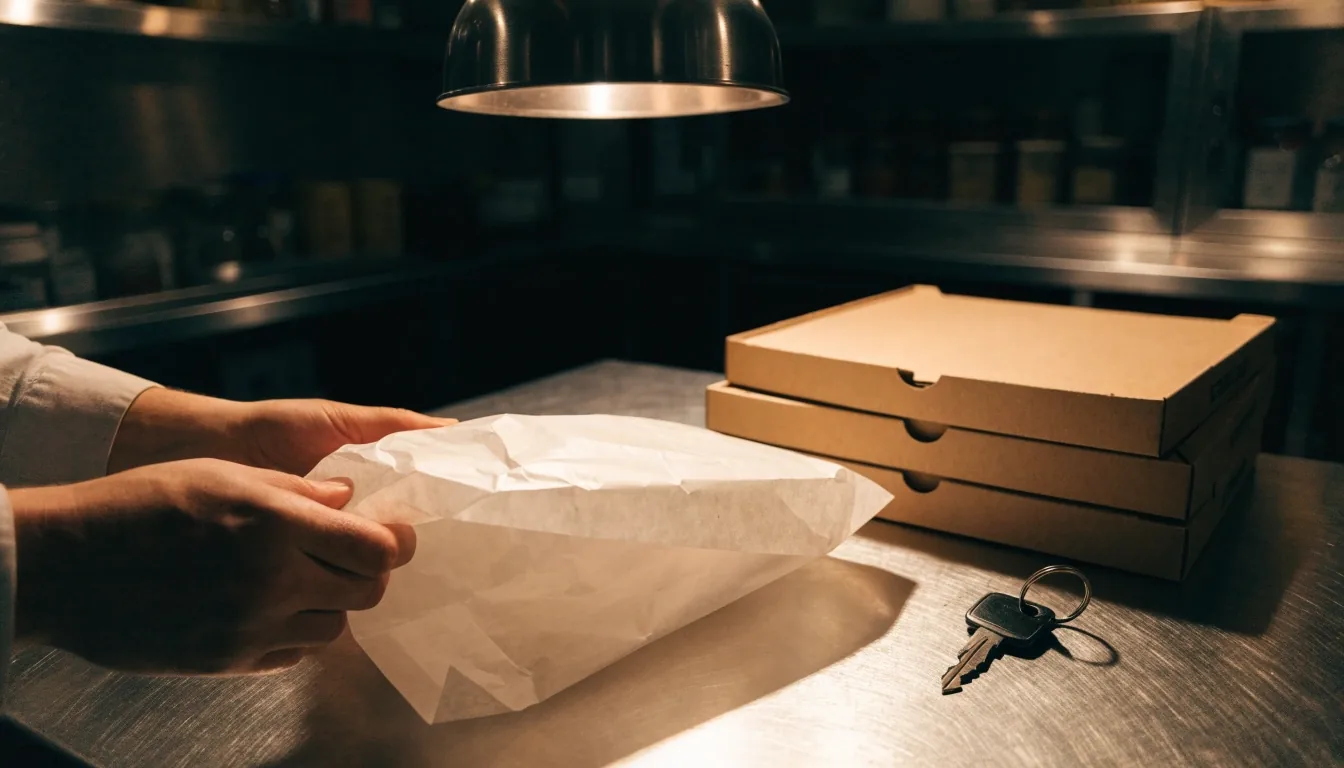
Overhead view of a pizza box, takeout bag and car keys on a steel counter

What to have ready

Have your address ready for delivery, or your pickup plan for takeout. Know whether you are feeding one person or a group, since that shapes whether you add a pasta, a salad or a basket to the pizza.

Two quick checks

Delivery or takeout decides your timing. Head count decides your order size. Settle both before you open the store page and the rest of the flow runs in a straight line.

That is it. No account gymnastics, no drawn-out checkout. Choose the store, choose the food, choose delivery or takeout, and you are done.

Questions before you order

The four things people ask most often about ordering from a Papa Gino's location online.

Can I order from any location online?

You order from a specific store, since each kitchen prepares its own food. Choose your location first, then the menu and hours for that store apply.

Do all stores offer delivery?

Delivery is presented as a standard option at local stores, but availability can vary by location. Your store page shows the ordering methods that apply there.

Can I still dine in?

Yes. Many locations are full restaurants with dine-in service. Check the store page for hours before you go.

What if my nearest store is closed?

The locations page shows nearby alternatives with distances, so you can switch to another Papa Gino's and order from there instead.

Start your order at a Papa Gino's near you

The locations page carries the store list with distances, hours and co-brand status. Pick one, open its page, and the ordering entry sits alongside the menu.

Need a hand with an order

If a store page is unclear about hours or delivery, reach the team directly. They can point you at the right location or explain what applies there.

Hours
Monday to Sunday, 11:00 AM to 10:00 PM

Questions about a specific order

Ordering runs store by store, so the fastest answers usually come from the location you picked. For anything the store page does not cover, the team at the Dedham office can help.

Papa Gino's
1100 Providence Highway
Dedham, MA 02026